This post contains affiliate links. If you buy through them, I may earn a commission at no extra cost to you. How this works.
In this article
The best USB microphone for most home offices is a dynamic model such as the Shure MV7+ or the Rode PodMic USB, because it picks up your voice and far less of the keyboard, fan and room echo around you. Choose a condenser like the Rode NT-USB+ or Elgato Wave:3 only if you record in a quiet, treated room, and the Samson Q2U if you want a dynamic USB and XLR mic on a budget.
I use a Shure MV7+ for video calls and streaming, and I have also used the original Rode NT-USB, the condenser the NT-USB+ replaced. Those two lines are first-hand; the other picks are described from their makers’ spec pages, not from my own use.
Best USB microphones at a glance
| Microphone | Type | Connection | Best for |
|---|---|---|---|
| Shure MV7+ | Dynamic | USB-C and XLR | Calls and streaming overall |
| Shure MV6 Gen 2 | Dynamic | USB-C | Compact calls and gaming |
| Rode PodMic USB | Dynamic | USB-C and XLR | Podcasts and broadcast voice |
| Samson Q2U | Dynamic | USB-C and XLR | Budget calls and podcasts |
| Rode NT-USB+ | Condenser | USB-C | Quiet room, voiceover |
| Elgato Wave:3 MK.2 | Condenser | USB-C | Streaming with software mixing |
| Audio-Technica AT2020USB-X | Condenser | USB-C | Voiceover and acoustic music |
| Logitech Yeti | Condenser, multi-pattern | USB | Group recording around one mic |
Dynamic or condenser: which USB mic for a home office?
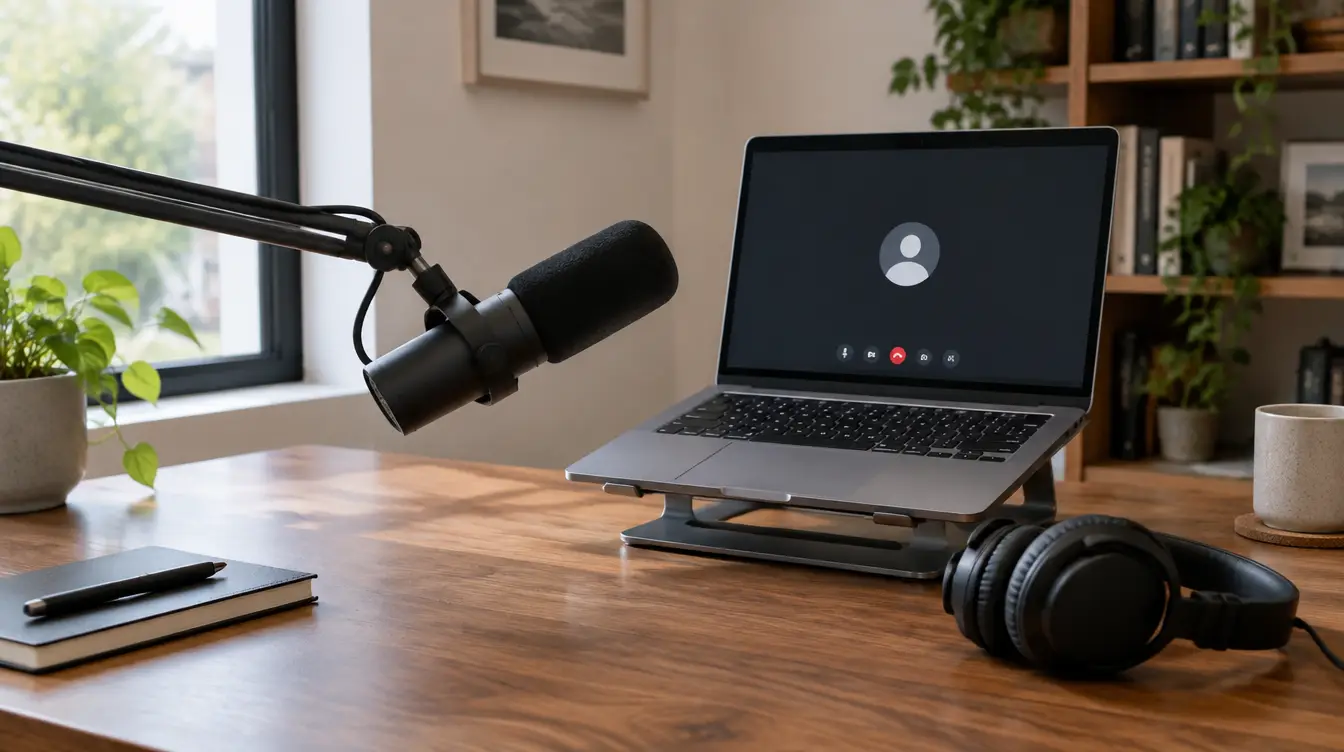
A dynamic microphone needs you close to it and rejects quieter sound further away, so keyboards, PC fans and room echo stay low. That makes it the safer choice for Zoom, Teams and streaming from a normal room. A condenser is more sensitive and captures more detail and more of the room, which suits voiceover, singing and acoustic instruments in a quiet space. All eight mics here are cardioid or offer a cardioid mode, so they pick up most from the front.
USB or XLR: do you need both?
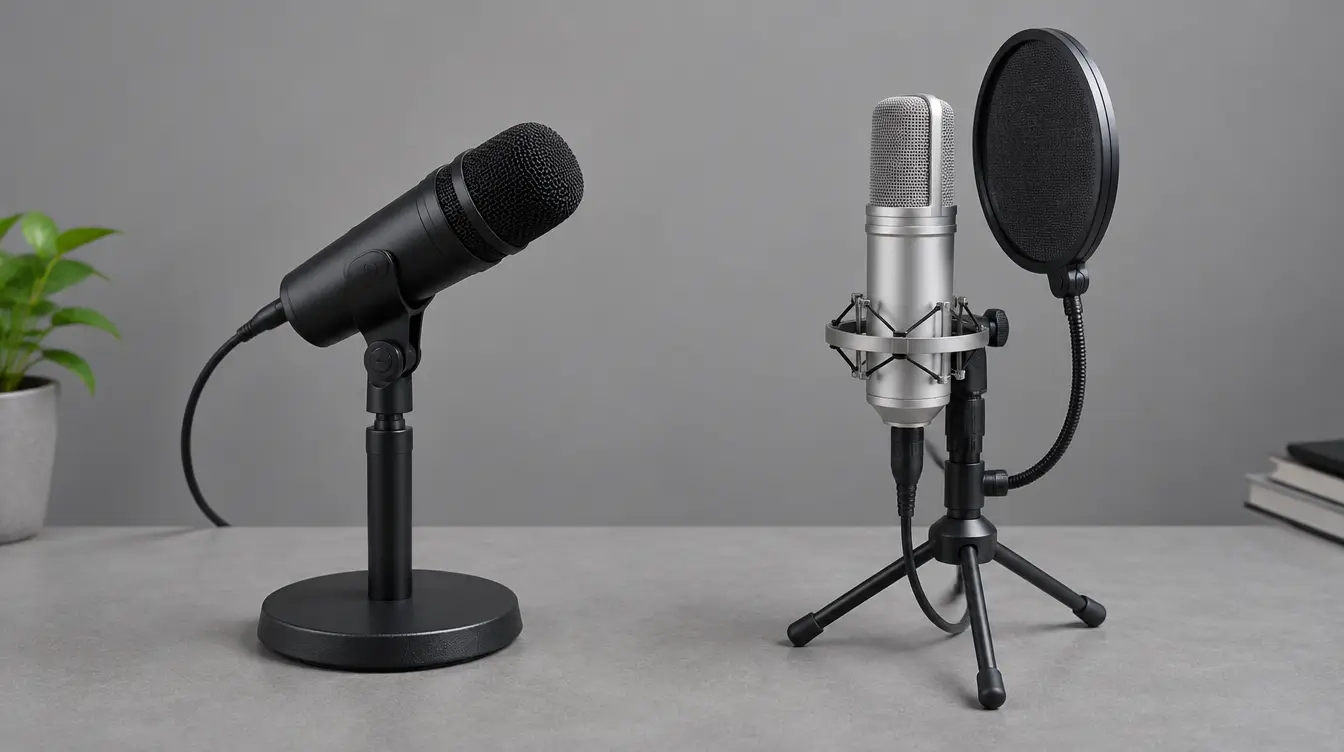
USB mics have the preamp and converter built in, so they plug straight into a laptop, dock or iPad. XLR mics need an audio interface or mixer. Hybrid mics give you both: the Shure MV7+, Rode PodMic USB and Samson Q2U have USB-C and XLR outputs, so you can start on USB and move to an interface later without replacing the mic. If you only take calls, USB alone is enough.
How to set up a USB microphone for calls and streaming
Step 1: Put the mic close and slightly off to the side
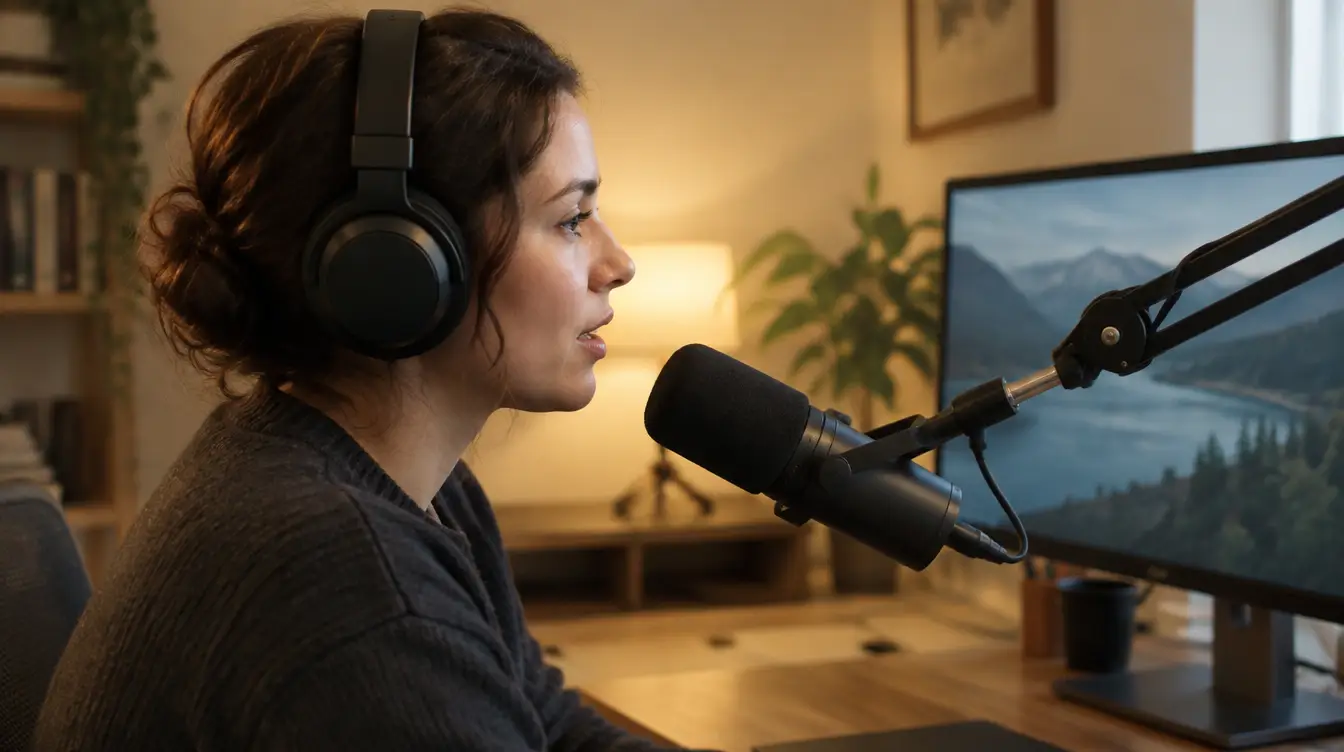
Bring a dynamic mic close to your mouth and angle it a little off-axis, so breath and plosives pass by the capsule. A boom arm keeps it close without blocking your face on camera and keeps desk thumps out of the recording.
Step 2: Select the mic as the input
On Windows open Settings > System > Sound and pick the mic under Input; on a Mac open System Settings > Sound > Input. In Zoom, choose it under Settings > Audio > Microphone, and do the same in Teams or Meet. If you use a dock, plug the mic into the dock; our USB-C dock guide covers what to look for.
Step 3: Set gain once, then use the mic’s own processing
Speak at call volume and raise the gain until your loudest words stay out of the red. Shure’s MV7+ and MV6 Gen 2 have Auto Level Mode, a Real-time Denoiser and a Digital Popper Stopper (Shure MV7+ guide). The Rode NT-USB+ and PodMic USB have APHEX processing (Rode). Turn off the meeting app’s own noise suppression if it makes your voice sound watery on top of the mic’s processing.
Step 4: Monitor with headphones
Every pick here has a 3.5 mm headphone output. Wear headphones on calls so the other side does not hear itself echo through your mic, and use the headphone output to check your sound before you go live.
The 8 best USB microphones in 2026
BEST OVERALL FOR CALLS AND STREAMING
Shure MV7+
- Best for: daily video calls, streaming and podcasts from a normal room.
- Key specs: dynamic, cardioid, 50 Hz to 16 kHz, 24-bit/48 kHz, USB-C and XLR outputs, 3.5 mm headphone out, Auto Level Mode, Real-time Denoiser and Digital Popper Stopper (Shure).
- Skip it if: you only take occasional calls; the MV6 Gen 2 covers that.
This is the mic on my own desk for video calls and streaming.
BEST COMPACT DYNAMIC
Shure MV6 Gen 2
- Best for: calls and gaming chat when you want Shure’s processing in a smaller USB-C mic.
- Key specs: dynamic, cardioid, 50 Hz to 15 kHz, 24-bit/48 kHz, USB-C, 3.5 mm headphone out, Auto Level Mode, Real-time Denoiser, Digital Popper Stopper and tap-to-mute (Shure).
- Skip it if: you want an XLR output for an interface later.
BEST BROADCAST VOICE
Rode PodMic USB
- Best for: podcasts and voice work where you want a rich broadcast sound.
- Key specs: dynamic, cardioid, 20 Hz to 20 kHz, USB-C and XLR outputs, 3.5 mm headphone out with zero-latency monitoring, Revolution Preamp and APHEX processing (Rode).
- Skip it if: you only take calls and do not need the XLR output.
BEST BUDGET
Samson Q2U
- Best for: a first dynamic mic for calls and podcasts that can move to an interface later.
- Key specs: dynamic, cardioid, 50 Hz to 15 kHz, up to 16-bit at 44.1 or 48 kHz, USB-C and XLR outputs, 3.5 mm headphone out; tripod, windscreen, USB and XLR cables included (Samson).
- Skip it if: you want 24-bit recording or onboard noise reduction.
BEST CONDENSER FOR A QUIET ROOM
Rode NT-USB+
- Best for: voiceover and narration in a quiet room.
- Key specs: condenser, cardioid, 20 Hz to 20 kHz, 24-bit/48 kHz, USB-C, 3.5 mm headphone out, Revolution Preamp and APHEX processing with compressor, noise gate and high-pass filter; tripod and pop filter included (Rode).
- Skip it if: your room is noisy or you type during calls.
I have used the original NT-USB, the model this one replaced.
BEST FOR STREAMING
Elgato Wave:3 MK.2
- Best for: streamers who want to mix mic, game and chat audio in software.
- Key specs: 16 mm condenser, cardioid, 70 Hz to 20 kHz, 24-bit/48 kHz, USB-C, 3.5 mm headphone out, Clipguard 2.0 against clipping, tap-to-mute, Wave Link mixing app (Elgato).
- Skip it if: you want a dynamic mic that ignores a noisy room.
BEST FOR VOICEOVER AND MUSIC
Audio-Technica AT2020USB-X
- Best for: voiceover, vocals and acoustic instruments.
- Key specs: condenser, cardioid, 20 Hz to 20 kHz, up to 24-bit/96 kHz, USB-C, 3.5 mm headphone out with mix control, mute (Audio-Technica).
- Skip it if: you mainly take calls from a noisy room.
MOST VERSATILE PATTERNS
Logitech Yeti (formerly Blue Yeti)
- Best for: recording two people across a table or a group around one mic.
- Key specs: multi-pattern condenser (cardioid, omnidirectional, bidirectional and stereo), Blue VO!CE voice filters, studio controls and headphone output (Logitech G).
- Skip it if: you record alone in a noisy room; a dynamic mic is the better fit.
Frequently asked questions
What is the best USB microphone for Zoom calls?
A dynamic USB mic such as the Shure MV7+ or Shure MV6 Gen 2. Both reject much of the background noise in a home office and have onboard auto level and noise reduction.
Is a dynamic or condenser mic better for streaming?
Dynamic, if your room is not treated: it picks up less keyboard and fan noise. A condenser like the Elgato Wave:3 MK.2 works well in a quiet room and gives more detail.
Is USB as good as XLR?
For a single voice, a good USB mic is enough for calls, streaming and most podcasts. XLR matters when you want to upgrade the interface or record several mics. Hybrids like the MV7+, PodMic USB and Q2U give you both.
What is a good Blue Yeti alternative?
For calls and streaming in a normal room, the Shure MV7+ or Samson Q2U, because they are dynamic. For a condenser like the Yeti but cardioid only, the Rode NT-USB+ or Audio-Technica AT2020USB-X.
Do I need a boom arm?
Not required, but it helps: it keeps the mic close to your mouth, out of the camera frame and away from desk thumps.
Next Steps for Better Call and Stream Audio
Pick dynamic for a normal room and condenser only for a quiet one, put the mic close, and wear headphones on calls. For the rest of the setup, see our desktop speaker setup guide, the ergonomic desk setup checklist and our list of home office productivity gadgets.
Affiliate disclosure: This post contains affiliate links. If you purchase through them, I may earn a commission at no extra cost to you. Full disclosure.